Cart and purchase
Waveguide provides the product form, cart drawer, and cart page. Shopify remains authoritative for inventory, discounts, taxes, shipping, payment, accounts, and checkout.
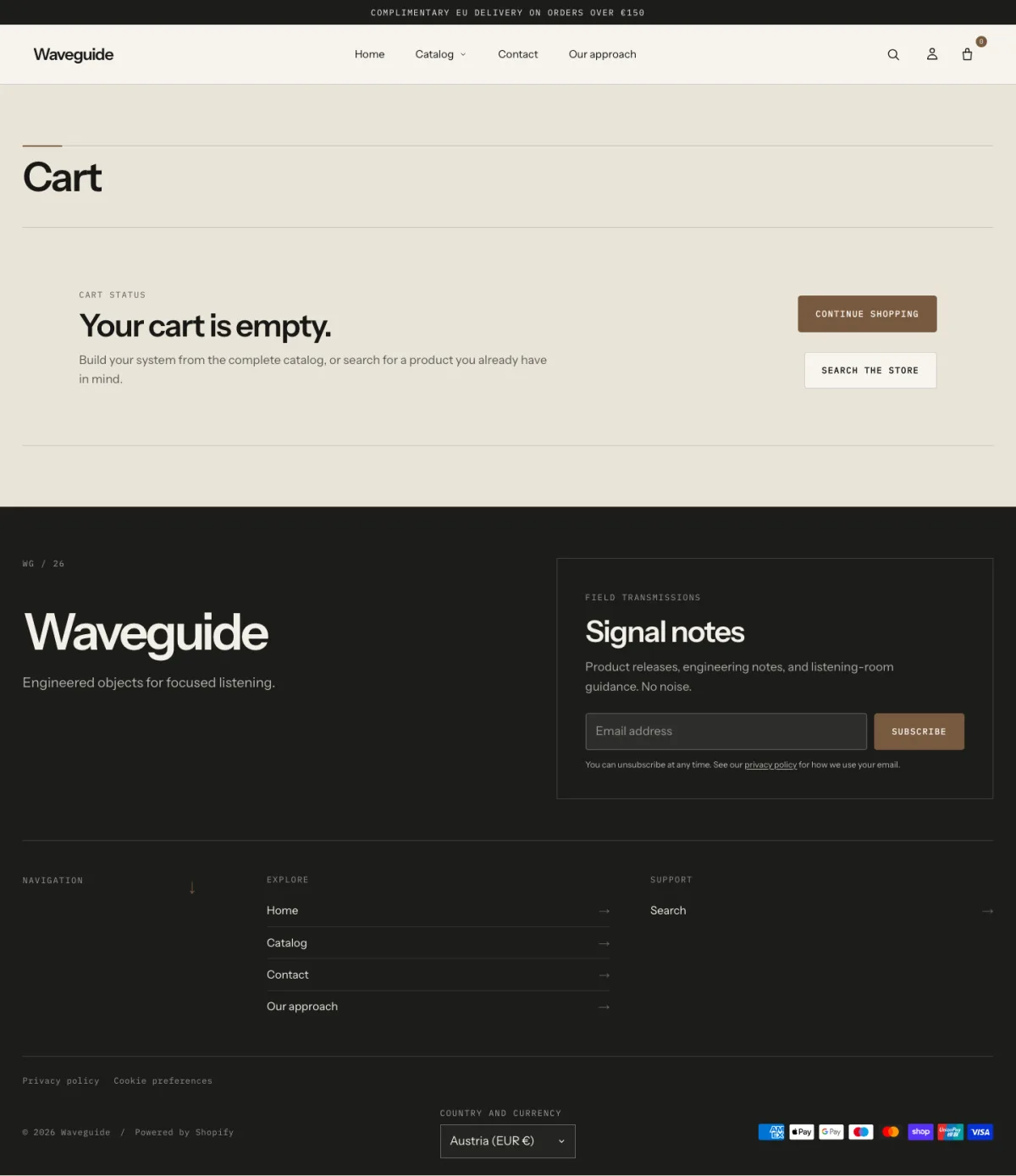
Choose the cart presentation
Under Theme settings → Cart, choose:
- Drawer for a quick review without leaving the current page.
- Page when every cart action should use the full
/cartroute.
The Header cart link always retains its normal cart destination. If the drawer cannot open, the shopper can still reach the cart page.
Recover from a cart error
In Drawer mode, the add button waits for the current request to finish before accepting another submission. If Shopify rejects an addition, the message remains beside Add to cart, with a View cart link. The chosen variant and quantity remain available for correction. The button returns when the request and cart check finish.
Shopify can add the remaining available stock and return an inventory error in the same request. For example, requesting 13 when only eight are available can add eight and show an error. In Drawer mode, Waveguide checks the current cart after an unsuccessful addition and refreshes its count and drawer content when those reads succeed. It never automatically repeats the addition. If a request could not be confirmed, check View cart before trying again.
In Page mode, the purchase form submits normally and Shopify handles the response on its cart route.
Sold-out variants cannot be added. Products configured to continue selling when out of stock can remain purchasable; Shopify also enforces the quantity rules for the selected variant and customer. A displayed stock value does not reserve inventory or replace Shopify's final validation.
Quantity changes in the drawer finish in the order they were made.
If the drawer cannot refresh, it shows Retry and View cart. Retry loads fresh cart content; View cart opens the normal cart page. If a product was added but a later refresh failed, check the cart before adding the product again.
Cart information and drawer cross-sells
The cart displays product media, meaningful variant choices, vendor, selling plan, price, quantity, discounts, and removal. Shopify’s internal “Default Title” is hidden because it is not a shopper choice.
When using the Drawer mode, the cart can show a Frequently paired cross-sell
panel with inset cards, clear pricing, and quick add buttons that refresh the drawer
in place. Choose the source collection under Theme settings → Cart → Drawer
cross-sell collection. When no collection is selected, Waveguide uses a collection
with the handle accessories when it exists; without either, the panel stays hidden.
Products already in the cart and unavailable products are never suggested, and the
panel shows at most two suggestions at a time.
Enable the optional order note only when the fulfillment workflow uses it. Do not collect sensitive information in the note.
Checkout and accelerated payment
The full cart page provides the final theme-owned review before Shopify checkout. Accelerated payment can be disabled globally or per product block. Signed-in B2B customers do not receive accelerated controls from Waveguide.
Test the journey
- Add available and unavailable variants.
- Change quantities and remove a line.
- Apply a real test discount.
- Test selling plans, bundles, pickup, and quantity rules that apply.
- Continue through the standard checkout and an express wallet when available.
- Repeat for every active market and B2B company context.
The cart is ready when totals and labels match Shopify, keyboard focus remains visible, and the normal cart and checkout links work without JavaScript.